How do I use the Odeko Mobile Ordering App social media graphics?
How do I use the Odeko Mobile Ordering App social media graphics?
Step by step instructions on how to utilize the Odeko App demo graphics on social media
[scroll to the bottom for graphic files]
Instagram Stories:
Download slides below
- Instagram Story Slide 1: Intro Slide
- Instagram Story Slide 2: Discovery IG Story Video
- Instagram Story Slide 3: Placing an Order IG Story Video
- Instagram Story Slide 4: Paying & Tipping IG Story Video
Navigate to your profile and hit the "+" to create a new story
Post each slide in order
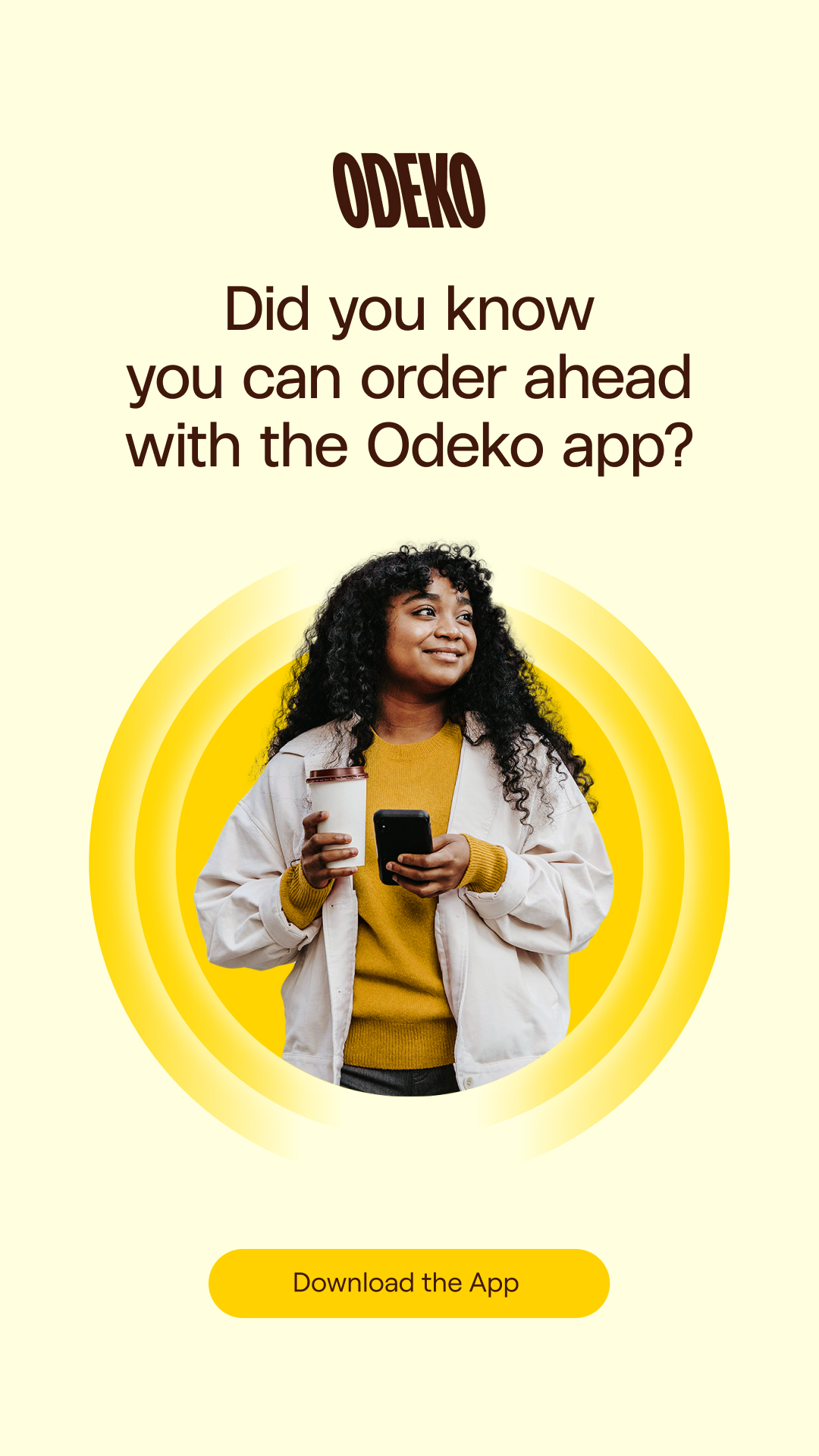
- Instagram Story Slide 1: Intro Slide
On this slide, please include a link to the app store where customers can download the app; you can do this by clicking on the sticker button (square smiley face icon), adding a link sticker, copying/pasting the store link into the URL section, and customizing the text to say “Download the app”
- Please place the link sticker over the pre-existing "Download the App" text and ensure that the unclickable text is completely covered by the sticker
Instagram Story Slide 2: Discovery IG Story Video
Instagram Story Slide 3: Placing an Order IG Story Video
Instagram Story Slide 4: Paying & Tipping IG Story Video
Create a new highlight
Navigate to your profile
Tap the “+ New” highlight
Select the Instagram Story Slides 1-4 above by tapping on them in order
When you hit next, it will allow you to update the cover and name of your highlight
Choose your cover photo or select and adjust the “Intro” slide to your liking
Name your highlight – we suggest “Order Ahead,” but if you choose another name be aware that it should be as short as possible so that all the text is visible (you’ll want to avoid the text trailing off…)
Click “Add” and your highlight will appear at the front of your other highlights
BFC61B85-EA93-45B9-B750-CC42E23CA128
Instagram Stories [single slide option]:
Download the Single Instagram Story Slide below:
- Single Instagram Story Slide
Navigate to your profile and hit the “+” to create a new story
Post the slide
Please include a link to the app store where customers can download the app; you can do this by clicking on the sticker button (square smiley face icon), adding a link sticker, copying/pasting the store link into the URL section, and customizing the text to say “Download the app”
- Please place the link sticker over the pre-existing "Download the App" text and ensure that the unclickable text is completely covered by the sticker
Create a new highlight
- Single Instagram Story Slide
- Navigate to your profile
- Tap the “+ New” highlight
- Select the Single Instagram Story Slide by tapping on it
- When you hit next, it will allow you to update the cover and name of your highlight
- Choose your cover photo or adjust Single Instagram Story slide to your liking
- Name your highlight – we suggest “Order Ahead,” but if you choose another name be aware that it should be as short as possible so that all the text is visible (you’ll want to avoid the text trailing off…)
- Click “Add” and your highlight will appear at the front of your other highlights
Instagram Post:
- Download the five In Feed Slides or one of the In Feed Single Cards
- Navigate to your profile and hit the “+” to create a new post
- Select the “multi-photo” icon and proceed to tap on each slide in order
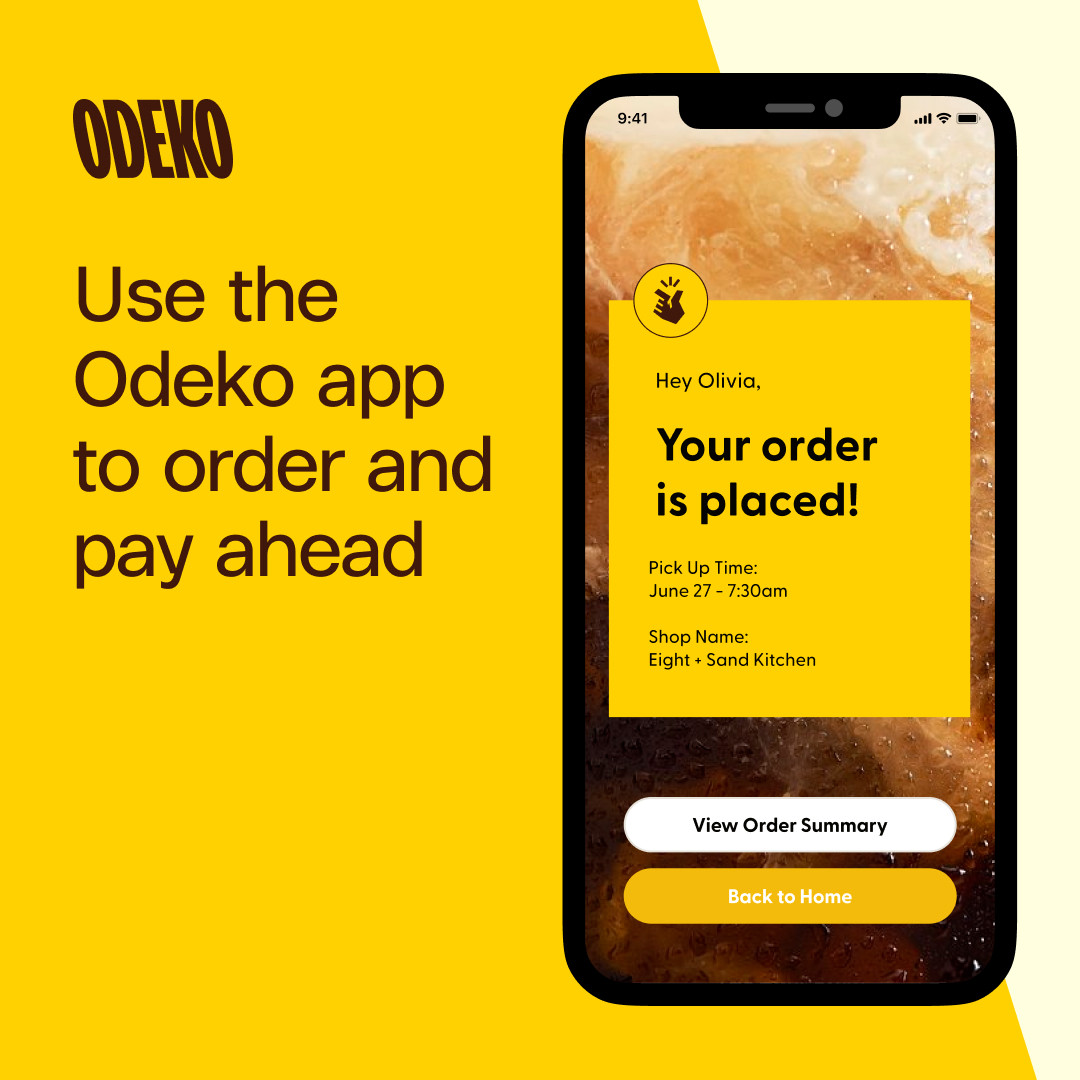
In Feed Slide 1: Intro Slide
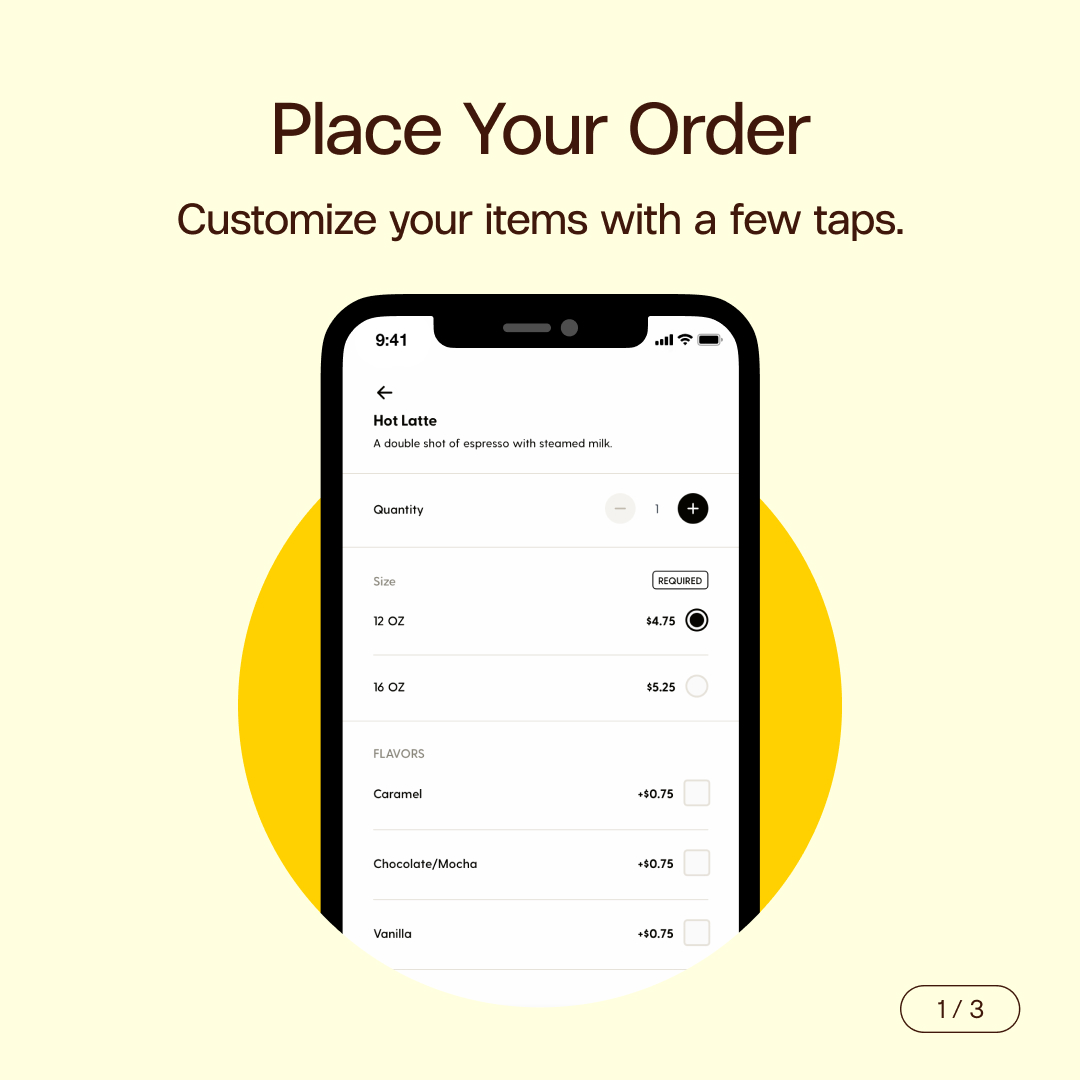
In Feed Slide 2: Place Your Order
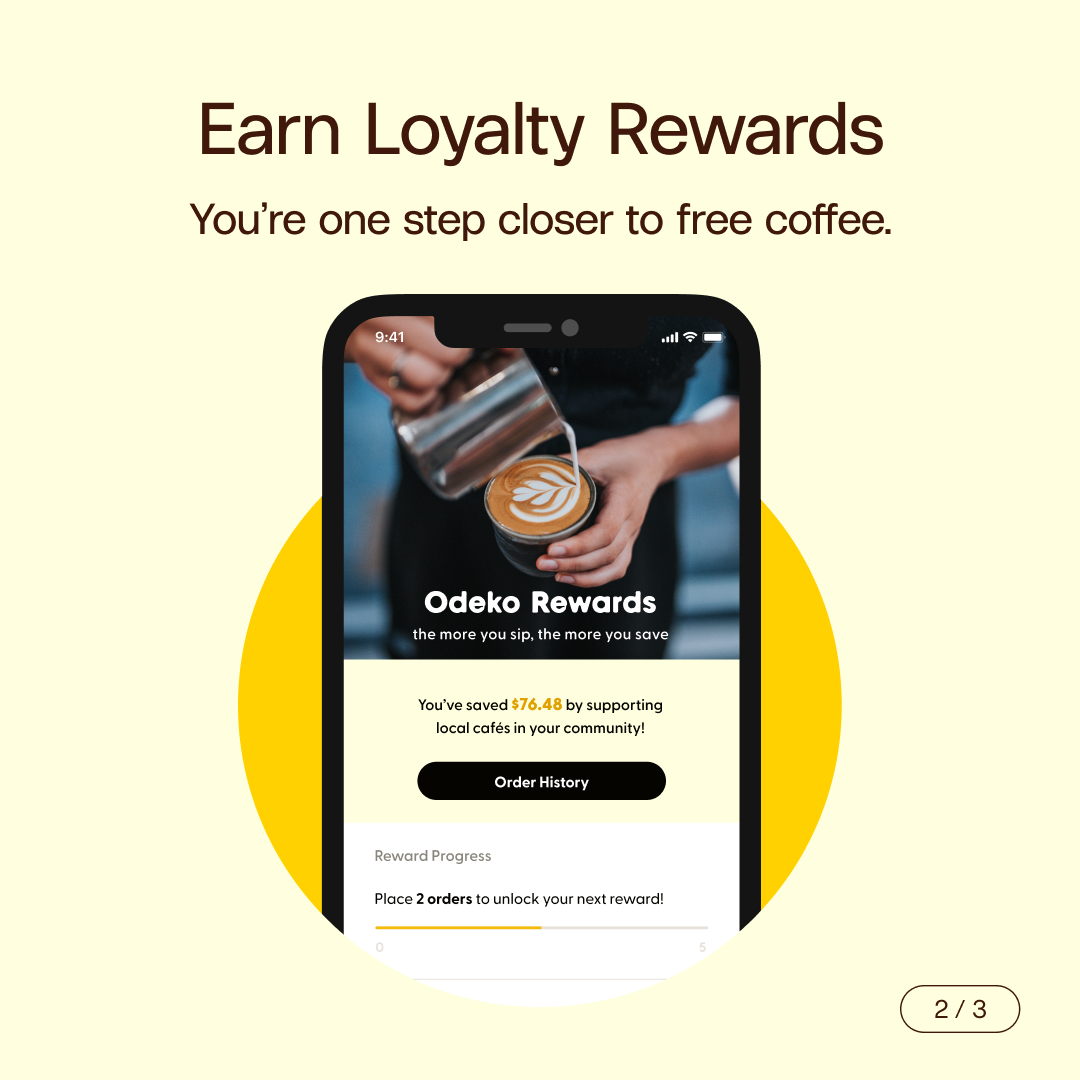
In Feed Slide 3: Earn Loyalty Rewards
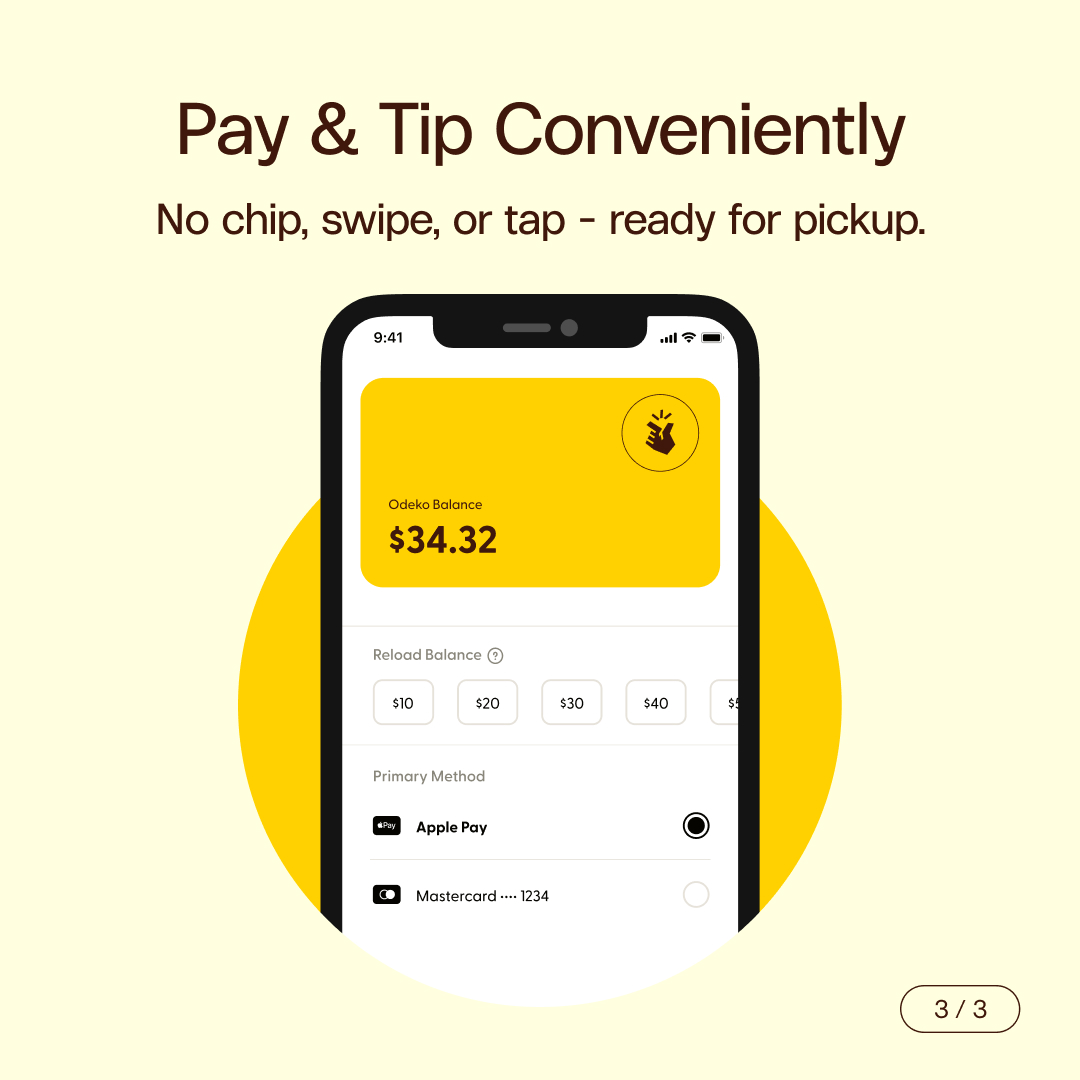
In Feed Slide 4: Pay & Tip Conveniently
In Feed Slide 5: Download Today
If you are only posting one of the In Feed Single Cards [Version 1 or 2], disregard the previous step and just select the one photo you are using
Proceed to the final page as there’s no need to adjust the image(s)
Add in your desired copy and between 5-10 relevant hashtags
We would recommend things like #orderahead, #mobileorder, #coffeetogo, or #coffeeorder, along with any relevant location tags (ex: #atlantaspecialitycoffee, #atlantalocalcoffee)
- We would also suggest you tag your shop location (if you have multiple locations, just choose one)
- Please tag @officialodeko in the copy and on the photo itself so customers will see your shop when looking through our tagged photos
Hit “Share” and you’re all set
68064136-F7E6-4098-900D-E97F78D964F5
Files
In Feed Slide 2: Place Your Order
In Feed Slide 3: Earn Loyalty Rewards
In Feed Slide 4: Pay & Tip Conveniently
In Feed Slide 5: Download Today
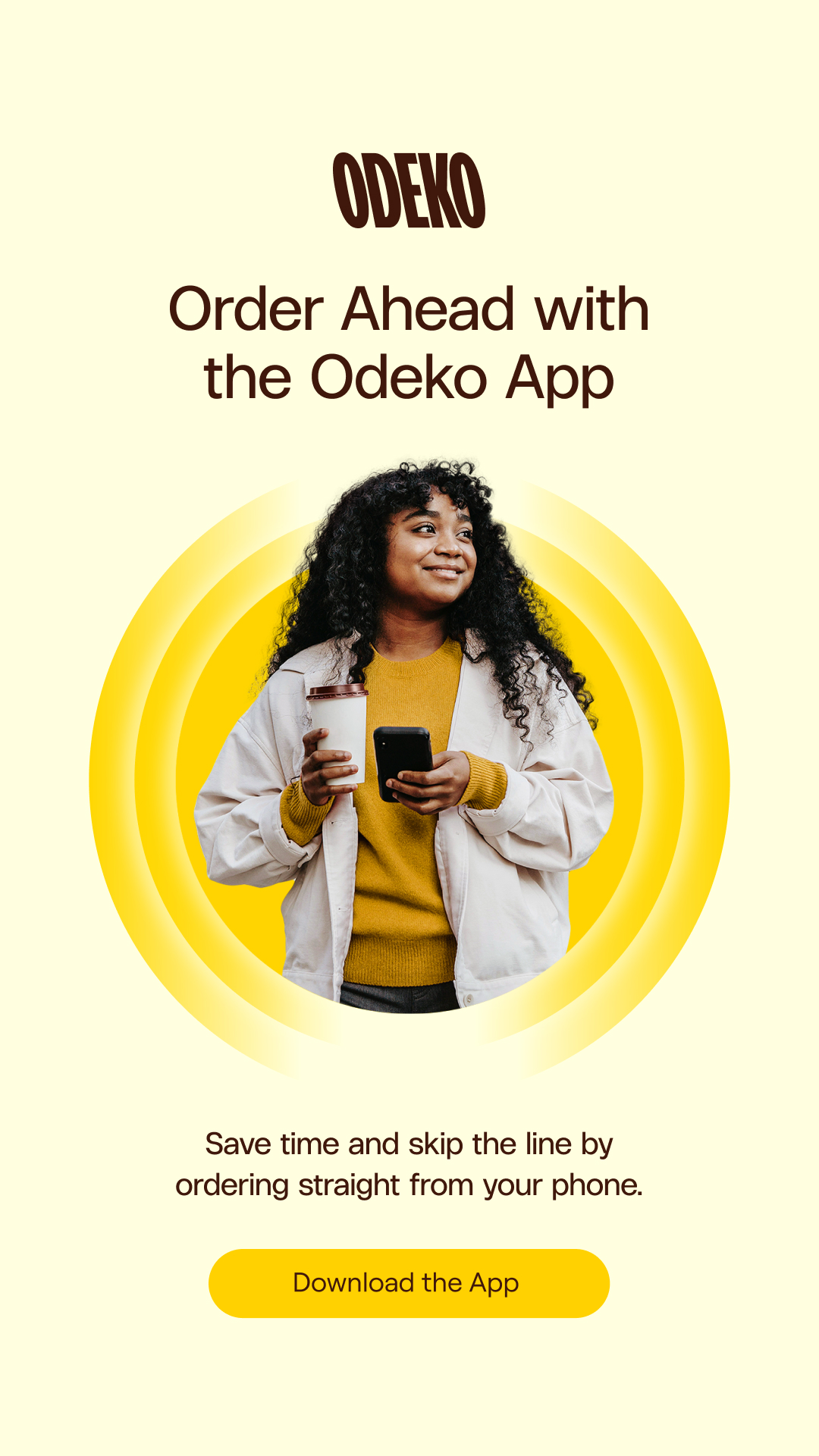


Instagram Story Slide 1: Intro Image
Instagram Story Slide 2: Discovery